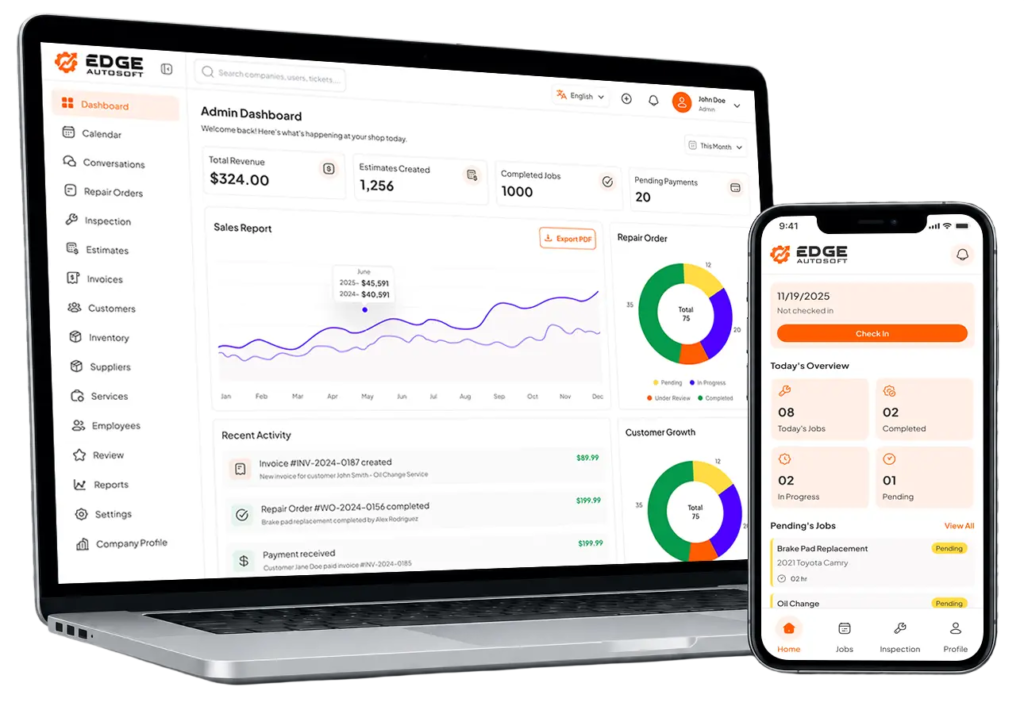

Digital Estimates & Quoting
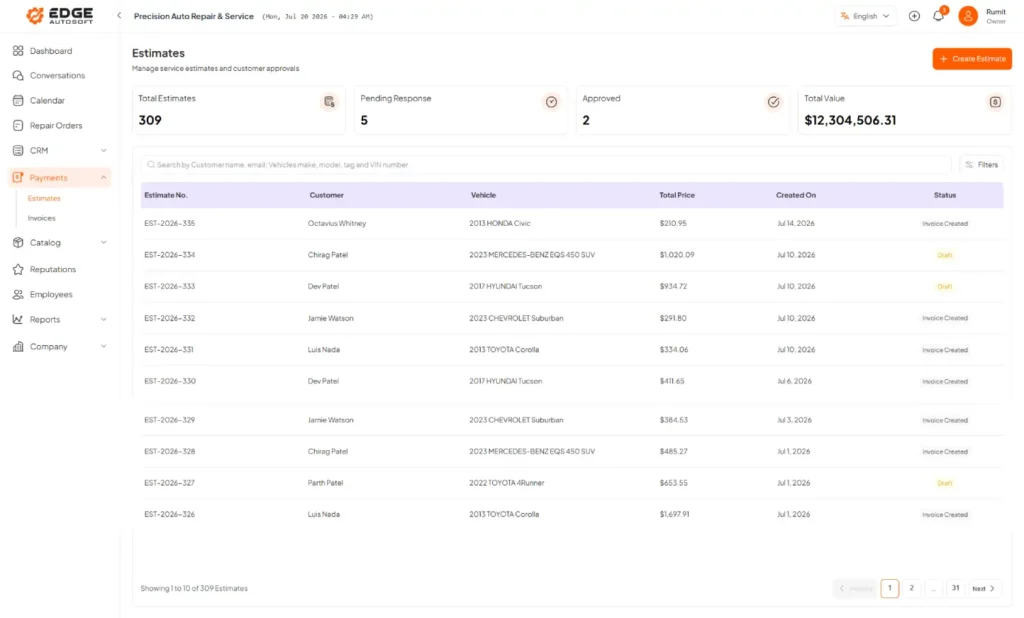


Why Choose Digital Estimates
Speed & Efficiency
Cut down on time drafting estimates; faster approvals mean faster repairs.
Transparency
Customers clearly see what they’re paying for; reduces disputes.
Track Your Pipeline
See how many estimates are pending, accepted, or rejected; better forecasting.

How It Works
1. Build Estimate
Select services, add parts and labor, and apply tax and optional discounts. All items are calculated automatically.
3. Send & Share
Send via email or a link. Customers can preview the quote on mobile or desktop. Optional “Request Change” and “Approve” buttons are included.
2. Customize & Brand
Use your company logo, terms, header, and message. Set “Estimate Subject,” notes, expiration date, etc.
4. Convert to Invoice
Once approved, convert the estimate to a repair order or invoice with one click. Parts, pricing, and notes are carried over.
FAQs
Frequently Asked Questions
01. How does the digital estimating feature save time?
Estimates can be created quickly using preloaded labor rates, parts, and services, reducing manual data entry.
02. Can customers approve estimates digitally?
Yes. Estimates can be sent via email for instant approval, and once approved, they can be converted automatically into repair orders.
03. Can notes be added to estimates?
Yes. Notes can be attached to provide customers with a better understanding and greater transparency.
04. Is estimate history available for review?
Yes. All estimates are saved and linked to specific customers and vehicles for future reference.