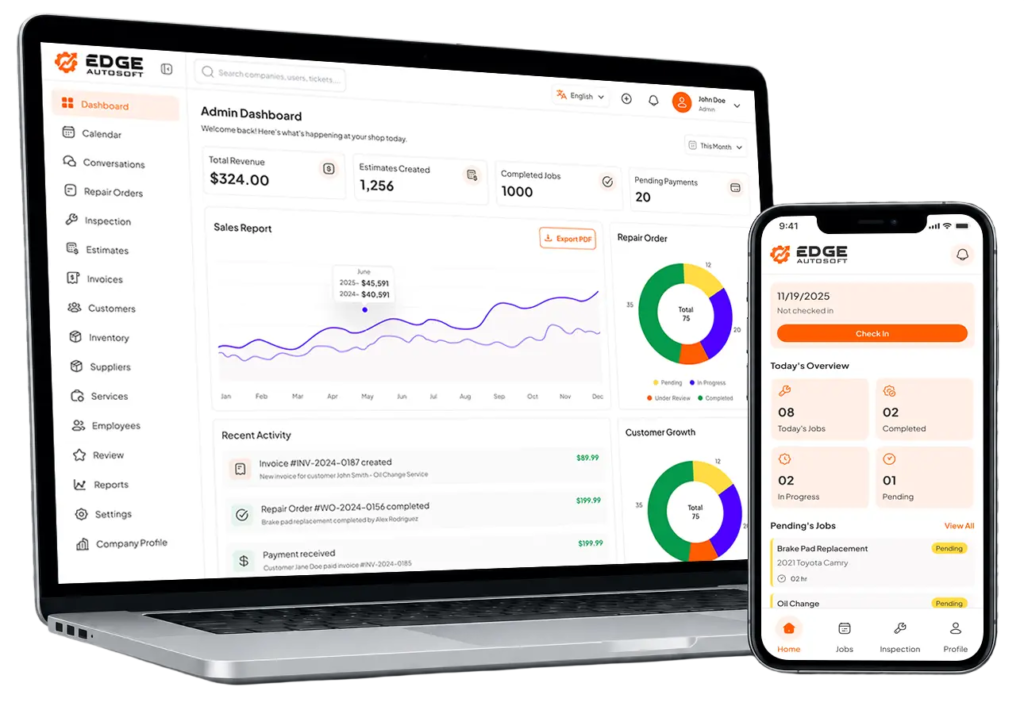

Smarter Work Orders Faster Turnaround
Streamline repair jobs from start to finish with structured work orders that keep technicians, parts, timelines, and customer approvals all in one place.


What Work Orders Matter
Better Team Coordination
Keep technicians, service advisors, and front-desk staff aligned.
Increased Efficiency
Eliminate manual paperwork and redundant data entry.
Improved Accuracy
Automatically track all parts and labor to avoid billing errors.
Customer Transparency
Show customers what’s being done and why building trust.

How It Works
1. Create with a Click
Convert approved estimates directly into work orders no data re-entry needed.
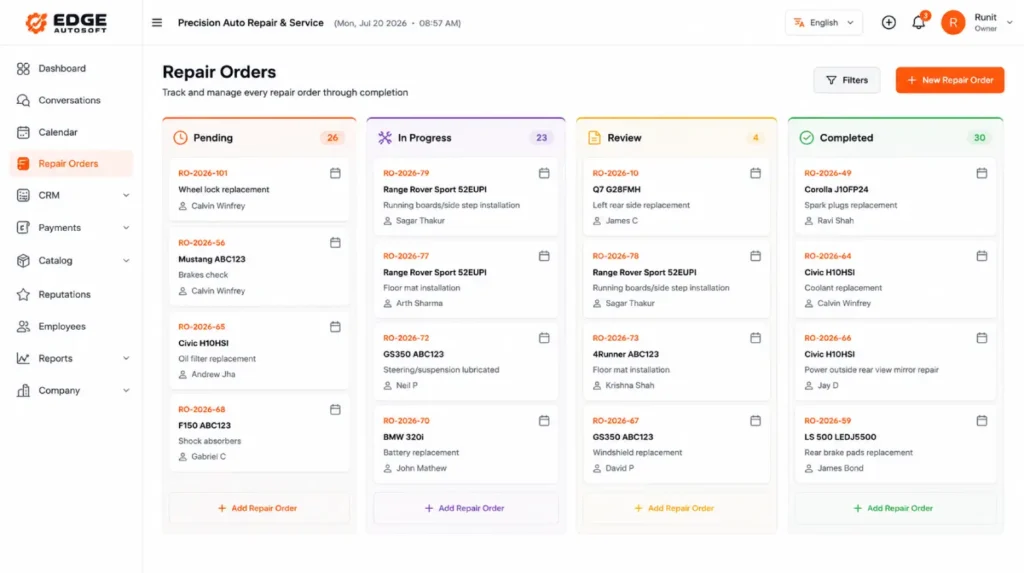
3. Track Progress in Real-Time
Know what’s being worked on, what’s pending, and what’s completed, all from your dashboard.
2. Assign & Schedule
Assign jobs to technicians based on skill or availability, and keep everyone in sync.
4. Record Everything
Log parts used, labor hours, notes, and inspections, which are automatically added to the final invoice.
FAQs
Frequently Asked Questions
01. What can be managed using digital work orders?
Work orders allow you to create, edit, and track repair jobs
02. Can technicians update progress within a work order?
Yes. Technicians can mark jobs as “In Progress,” “Waiting on Parts,” or “Complete,” keeping everyone informed in real time.
03. Are photos or inspection results attachable to work orders?
Yes. Inspection reports, photos, and signatures can be added for thorough documentation.
04. How do digital work orders benefit shop operations?
They improve transparency, reduce miscommunication, and streamline the repair process from start to finish.